Virtuoso
Glisso is free to use. Virtuoso is the paid plan: it lifts the limits on a free account and adds the features on this page.
It costs $49 a year, $9.99 a month, or $299 once. Students whose director has bought class seats get it at no cost. See Plans, or Glisso for directors.
Unlimited songs and rhythms
A free account keeps 10 songs and 10 rhythms in its library. Virtuoso has no per-type limit, and a signed-in account keeps up to 1,000 pieces in all, synced across your devices.
Songs come from MusicXML or MIDI files you upload, or from scores you write in Glisso's editor. The editor is free either way; the limit is only on how many pieces you can keep.
Unlimited sightreading
Sightreading generates a new passage to read at tempo. A free account can start 3 passages a day. Skipping past a passage before you press play doesn't use one up, and a passage you have started can be replayed as many times as you like that day.
With Virtuoso there is no daily limit.
Rudiment stats
The 40 snare drum rudiments in Rhythm are free to play. With Virtuoso, each one keeps your stats. Without it, the stats page shows an example and nothing is saved.
Bests. When you play the whole rudiment in Tap with no misses, faster than your best so far, that take is saved as a new best. No misses means every stroke and grace note hit, no extra taps, and every stroke on the written hand when Sticking is on. It counts on the keys, on the screen, or on a drum into the microphone. A chart shows your bests one after another, and any best opens the take that set it, note by note, with every stroke that landed early or late. The Rudiments tab shows your best on each one.
Tendencies. Every take of a rudiment in Tap is saved for this, clean or not, up to your last 100. From those takes (or just the latest 10, 25 or 50), the rudiment's own staff marks the notes you keep missing or play on the wrong hand, notes you play early or late compared with your own average, flams and drags whose grace notes drop out, and notes followed by extra taps. It also says when one hand plays behind the other, or when your accents come early or late. It needs at least 5 takes, and only points something out when your takes clearly show it. Notes you didn't play because you stopped or paused never count as misses.
Virtuoso library access
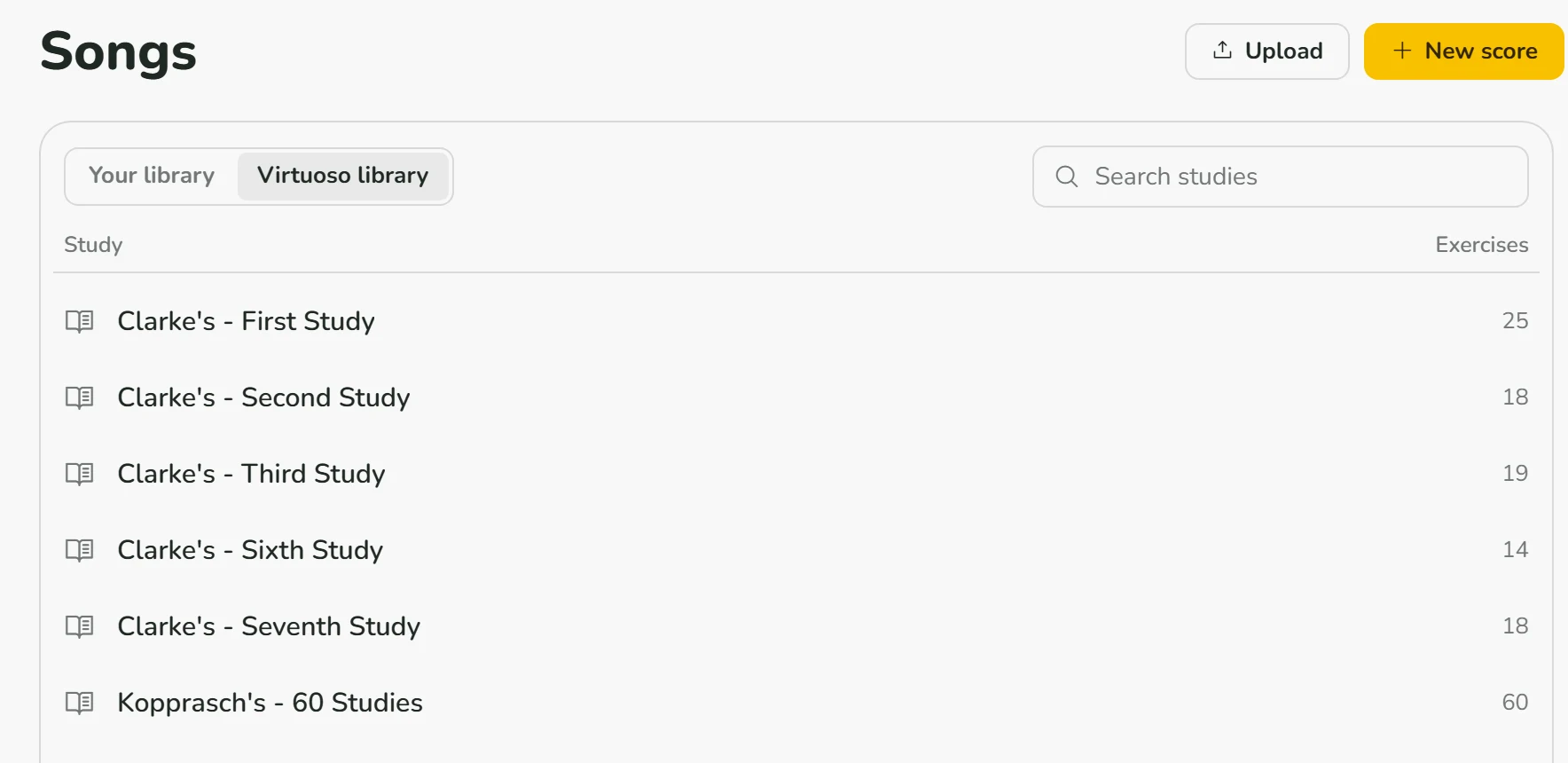
The Virtuoso library is a set of standard brass studies built into the Songs page, ready to play with no files to find:
- Clarke, Technical Studies. The First, Second, Third, Sixth and Seventh Studies, 94 exercises in all. Each exercise can be set to repeat up to 7 extra times.
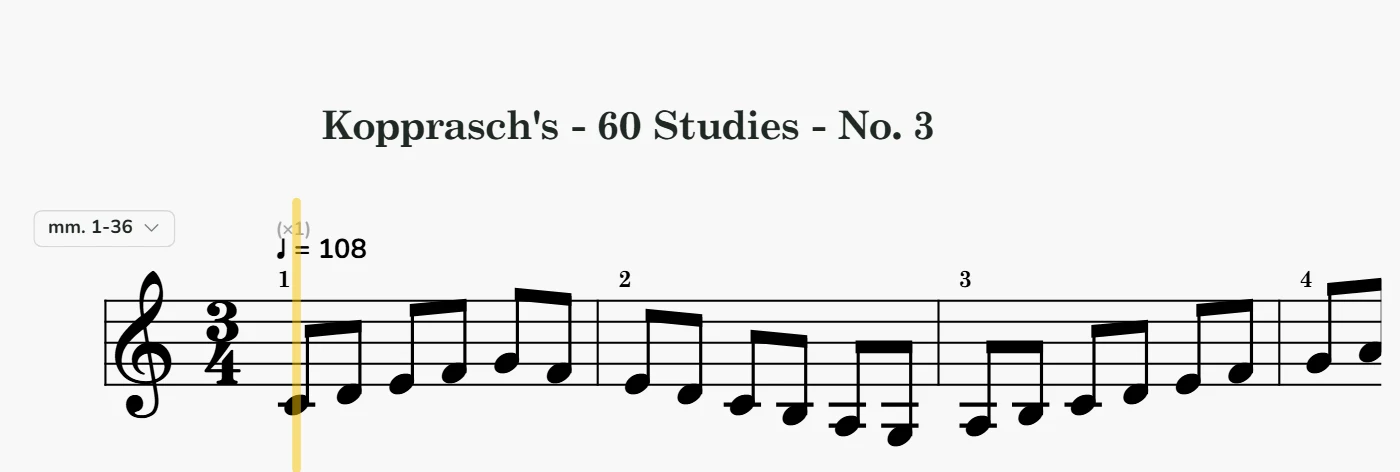
- Kopprasch, 60 Studies, Op. 6. All 60. French horn players read the horn edition, including its bass-clef passages. Other instruments read the Carl Fischer trumpet edition.
Every study is written out for the instrument you have selected, so the fingerings and the key on the staff are the ones you would play from the book.
Download your recordings
When you play into the microphone, the page you land on after a take lets you listen back to it. With Virtuoso you can also download that recording as a WAV file, named after the piece and the time you played it.
More customization
Virtuoso adds a Custom theme in Settings. You choose four colours: the accent, the background, the text, and the sheet music. The rest of the interface is worked out from those four, and Settings warns you if the text and background are too close to read easily.

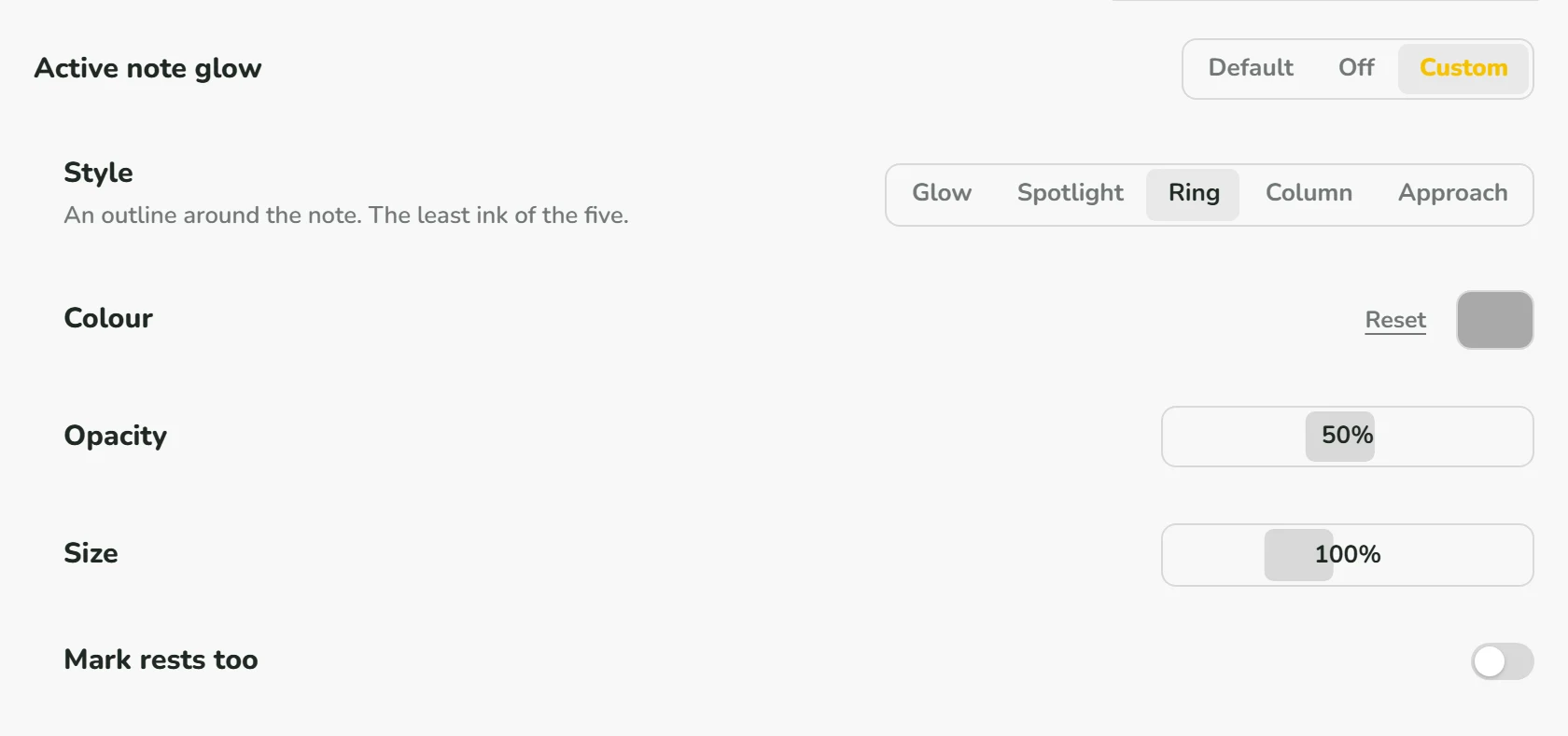
The highlight on the note you are about to play can be customized too. In Settings, set Active note glow to Custom and choose its style (Glow, Spotlight, Ring, Column or Approach), its colour, opacity and size, and whether rests are marked as well.
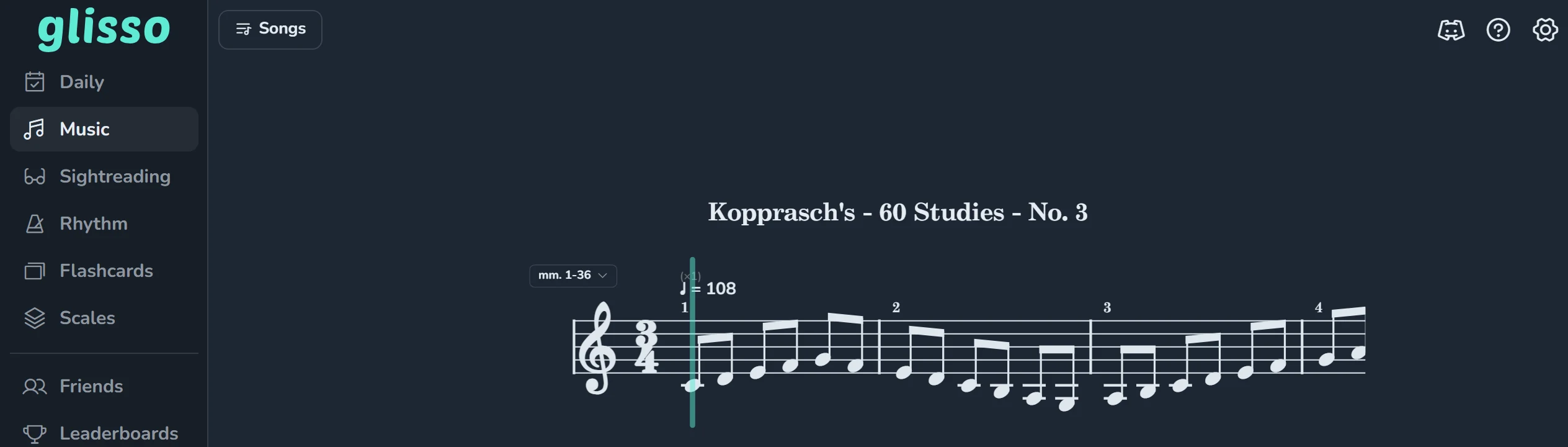
Your name also shows in the Virtuoso colours wherever other players see it: on the leaderboards and in friends lists.
Also included
These aren't on the comparison in the app, but they are part of Virtuoso.
Full scores, in Music
When you import a MusicXML file with several parts, a free account picks one part to keep. With Virtuoso you can import the whole score as one piece, with every part inside it, and switch between parts on the Music screen.
Glisso picks the part that matches your instrument when you open the score. A director who assigns a full score to a class can give each student their own part, matched by instrument and chair.
Time Attack, in Flashcards
A timed version of the fingering flashcards. Either get as many notes right as you can in 15, 30 or 60 seconds, or play 16, 32 or 64 notes as fast as you can. Fingering hints stay hidden for the whole run. Each of the six versions has its own leaderboard.
Scale Rush, in Scales
Random scales, one after another, for one minute of playing. A clean scale brings up the next one; a mistake sends you back to the start of the same scale. Only the time spent playing counts, so the count-in and the pause between scales don't eat into your minute. Your score is how many scales you finish, and it goes on the Scale Rush leaderboard.
Circle of Fifths, in Scales
All twelve major scales in order around the circle of fifths, starting on C, timed from your first note to your last. As in Scale Rush, a mistake restarts the scale you're on and only playing time counts. Your best time goes on the Circle of Fifths leaderboard.
Past daily challenges
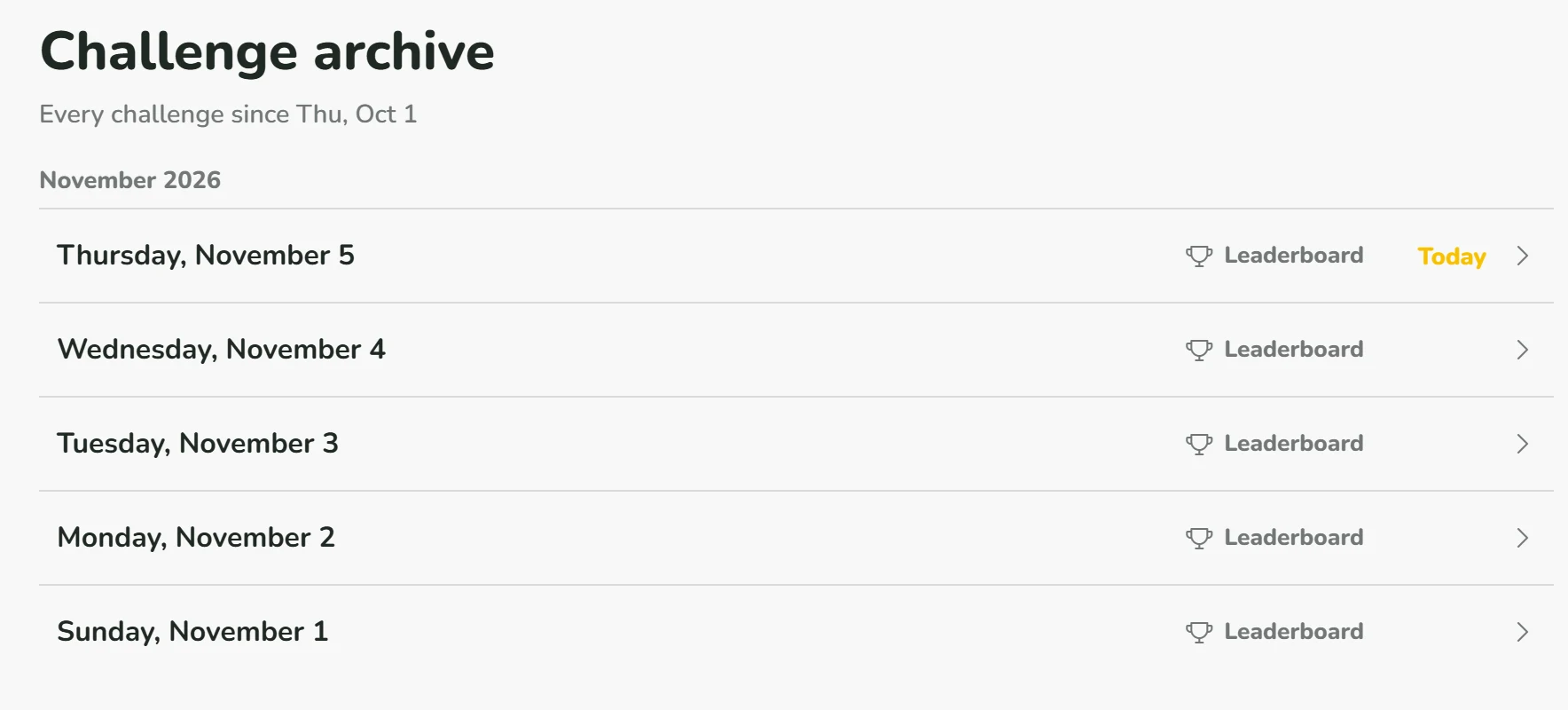
The Daily Challenge is free every day. With Virtuoso you can also open any earlier day from the challenge archive and play that day's passage.
Plans
| Plan | Price | Billing |
|---|---|---|
| Yearly | $49 | Once a year until you cancel |
| Monthly | $9.99 | Once a month until you cancel |
| Lifetime | $299 | One payment, no renewal |
You can cancel a yearly or monthly plan from your account at any time. If Virtuoso isn't for you, email [email protected] within 14 days of paying and we will refund it in full. Payment is handled by Stripe; we never see your card number.
For directors
Class seats are $19 per student a year, for 10 students or more. A director gets a class dashboard: assignments with due dates and tempos, each student's practice time, the takes students send in with their recordings and scores, and class leaderboards. Every student who joins with the class code gets everything on this page, with nothing to pay.